
FINGER TRADER DESKTOP
Learn, build, verify.
Follow a complete strategy workflow, or find the operation you need. Guides cover the desktop workspace, visual authoring and Python development.
Two basic examples
Start with one indicator and one entry/exit rule. Then combine indicators in the MACD + RSI lesson.
Start here
Operation manual
Workspace and navigation
Understand the main sections, docked windows, saved projects and layout recovery.
Read guideCharts and technical indicators
Configure line charts, overlays and indicator panes without changing strategy rules.
Read guideAccounts, sizing and trading costs
Separate signal logic from the account, margin budget, costs and actual order outcome.
Read guideBuild a visual strategy
Understand left input ports, settings, data types and fixed values, with practical wiring examples.
Read guideHistorical data, backtests and replay
Prepare local data and follow actual execution, then reopen an archived run.
Read guideTemplates, model export and sharing
Create independent copies and move editable strategies between installations.
Read guideMonitor execution and diagnose orders
Read task status, order receipts, fills, positions and logs in the right mode.
Read guideHands-on tutorials
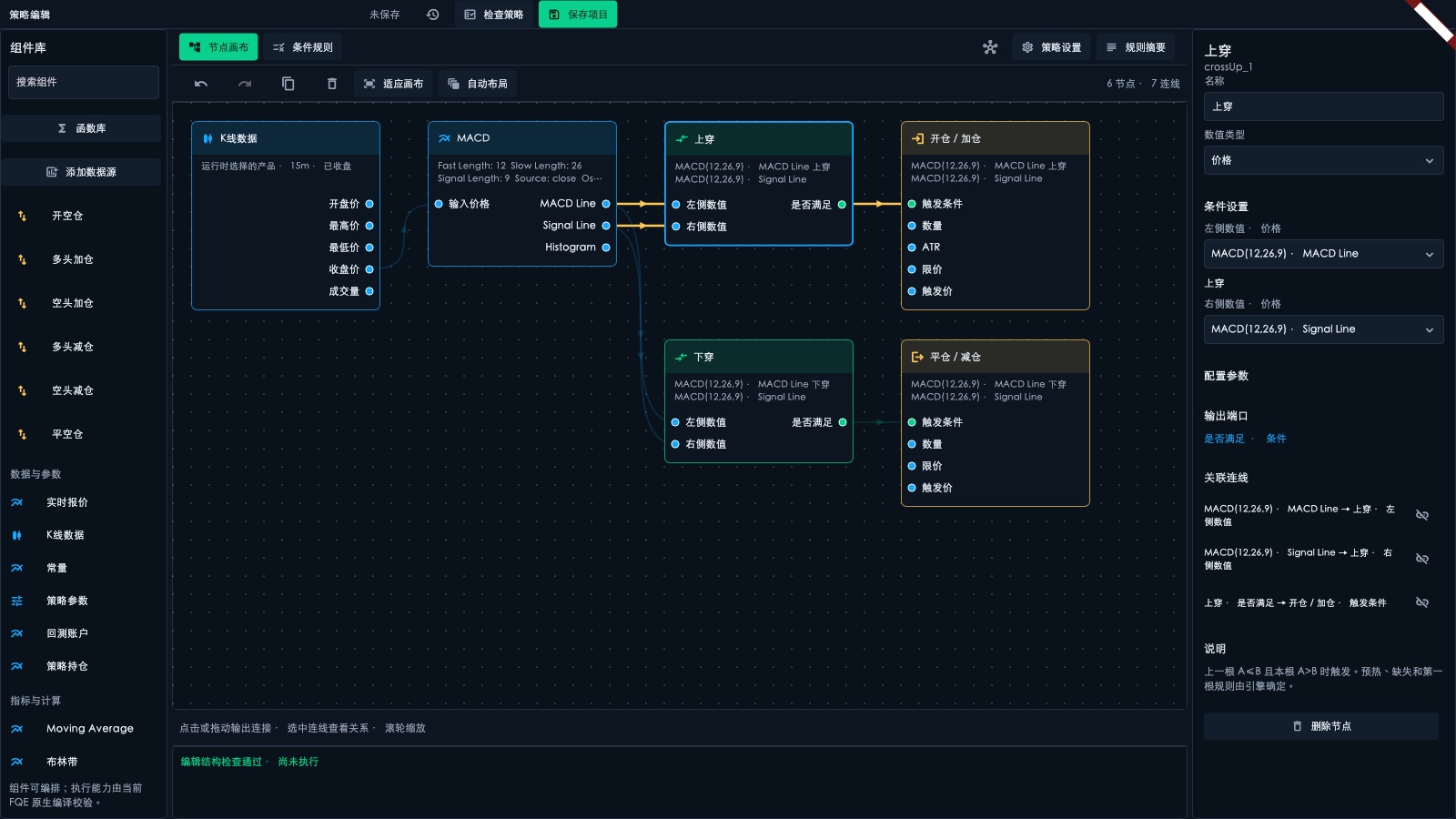
Example 1: MACD Cross
Apply a template, read the wiring and verify a long-only entry and exit step by step.
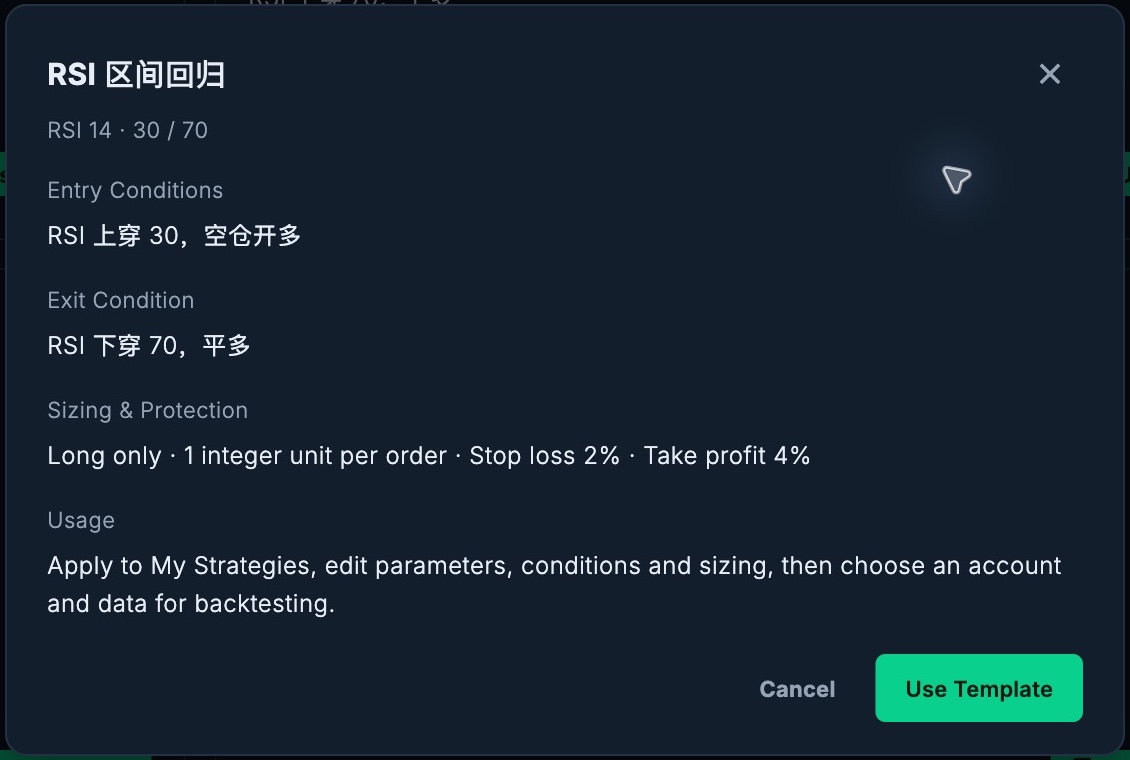
Read guideExample 2: RSI Range Reversion
Use RSI(14), cross above 30 to enter and cross below 70 to exit. Learn the difference between a cross and a state.
Read guideTutorial: MACD entry with an RSI filter
Modify a template, connect an AND condition and verify each order against the chart.
Read guidePython & SDK
Trading API reference
Looking for authentication, market data and order endpoints? Keep using the separate integration reference.
Trading API reference →